Projects + boards
Organize 3D models around your next project.
Keep the right candidates together from the first search to the final download, in a private workspace built for visual decisions.
Free accounts can search, save and organize before choosing what to download, with up to three new Free models each UTC day.
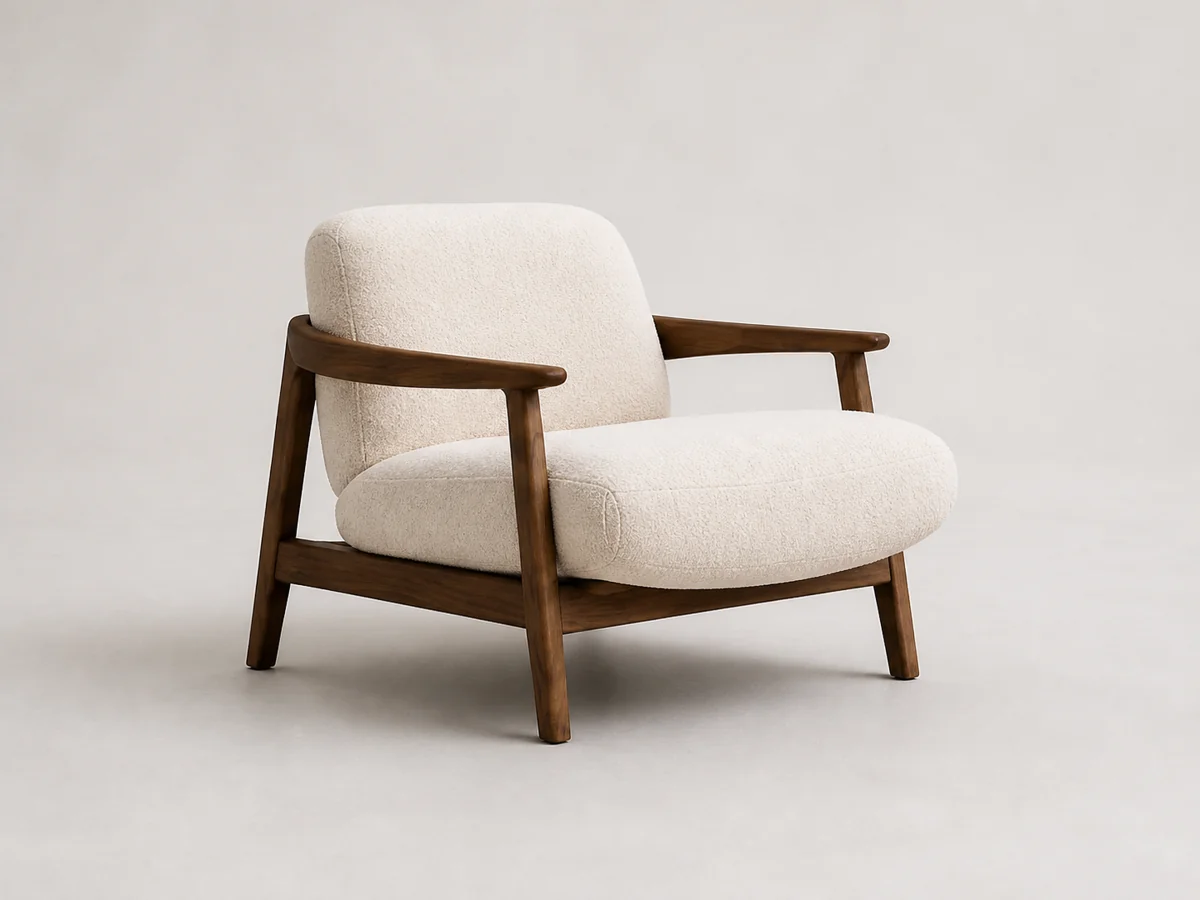
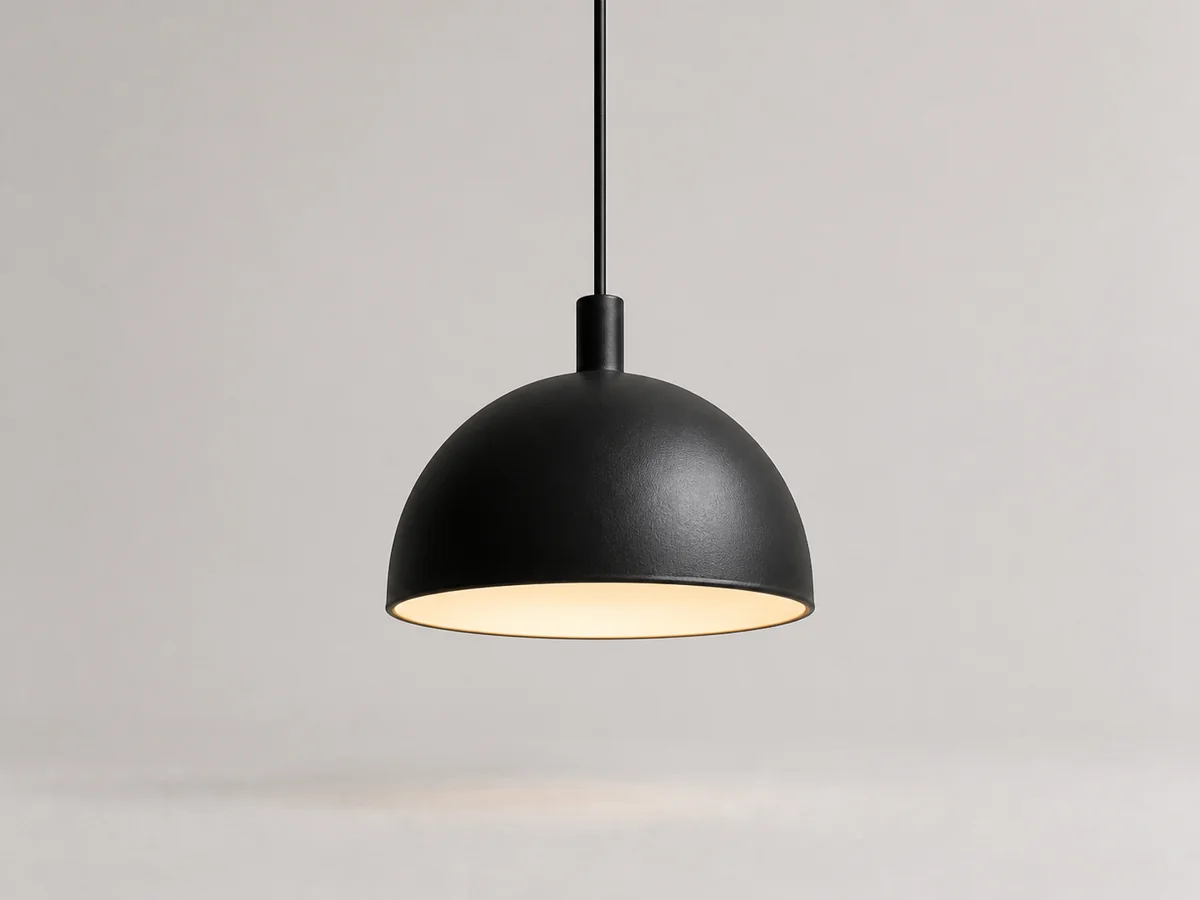

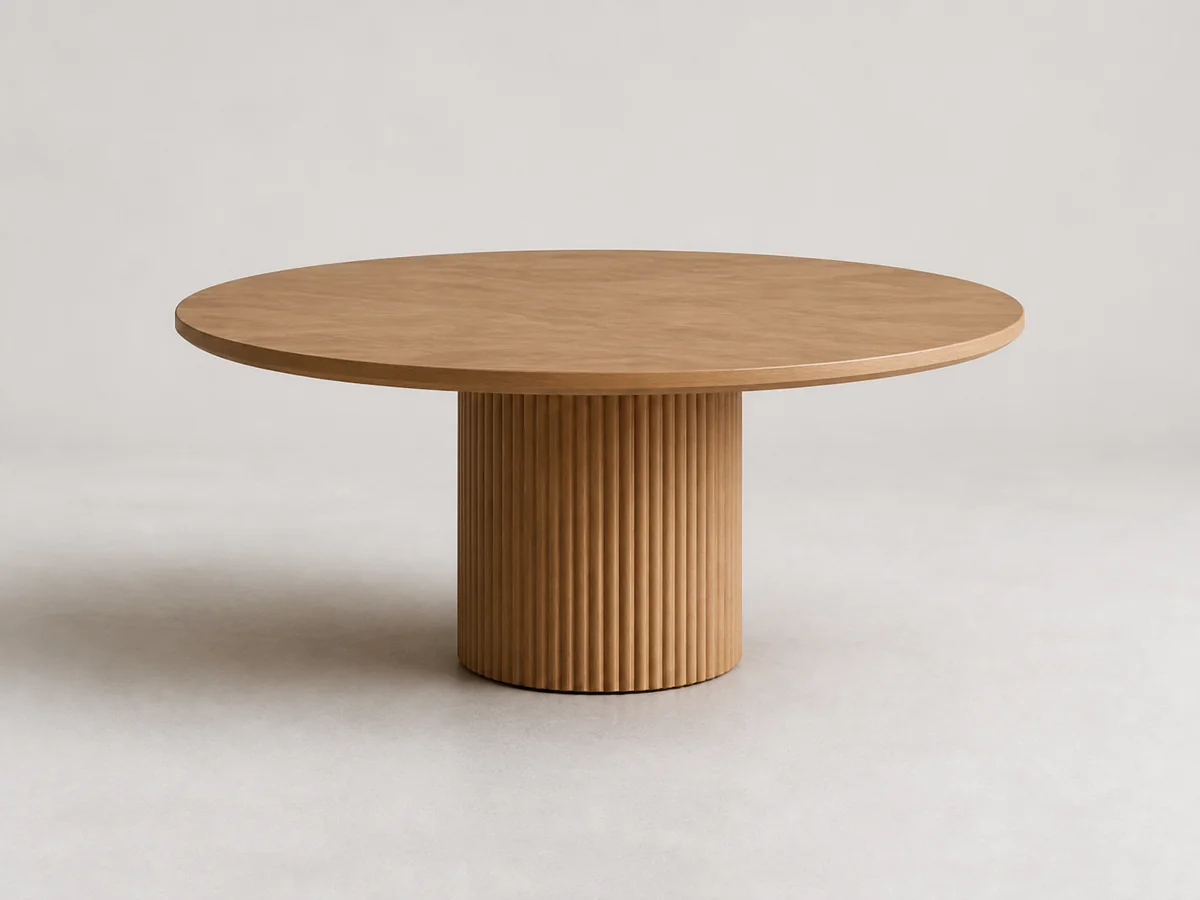
A clearer path through the shortlist
A good model is easier to choose when it has a place in the project.
Save promising assets while you browse, then return to them with the room, mood, and decision in view. Projects hold the direction; boards hold the working sets.
The working rhythm
From open tab to considered choice.
- 01
Start with a project
Give a direction a home: a room, a client brief, or the next scene on your desk.
- 02
Shape private boards
Keep separate boards for first pass, finalists, references, or the option you are ready to use.
- 03
Make the call
Rate, annotate and select the models that deserve a place in the final scene.
Small signals, useful later
Keep the reason beside the model.
A rating captures a first reaction. A note keeps the brief close. A selection mark shows what is still in the running. Together they turn a visual collection into a working shortlist.
- Rate each saved model from 1 to 5
- Add a private note to each saved model
- Select finalists and move them between your boards
When the choice is clear
Move from shortlist to handoff without losing the thread.
Open the model you chose and download it individually when it is ready for the scene. Find past acquisitions in your account and re-download available models.
Continue with a practical next step
Make the shortlist easier to trust.
Your next project starts with one good candidate